The local deskGuide · LocalBusiness Profile edition
Google Business Profile guide: set up, verify and rank by Google's rules
Your Business Profile is your free listing on Google Search and Maps. This guide follows Google's own help pages, from verification and naming rules to local ranking, suspensions and duplicate listings.
Updated
What a Google Business Profile is, and why it matters
A Google Business Profile is a free listing that shows your business name, location or service area, hours, photos and reviews in Google Search and Maps. For a local business it's often the first thing a nearby customer sees, and the way into the map results.
Google is clear that you can't pay for a better local ranking. Its help page says local results are mainly based on relevance, distance and popularity (which it explains as prominence), and that more reviews and positive ratings can help. Adding a suburb to the business name won't buy position either; it's one of the common suspension triggers covered further down.
Google's generative AI guide adds that Business Profiles can help your services show in AI responses too. There's no separate AI setting; a complete, accurate profile does both jobs.
Sources: Google Business Profile Help, "Tips to improve your local ranking on Google"; Google Search Central, guide to generative AI features in Search (last updated 10 July 2026). Both read 4 October 2026.
Set up and verify your profile
Verification proves you may manage the listing. Until then you can't edit key details, and Google says verified businesses are more likely to show in results.
- Use a Google Account you control.Ideally on a business email that won't leave with a staff member. Add agencies as managers later; they shouldn't own it.
- Search for your business first.If a listing exists, claim it. Google's guidelines allow one profile per location.
- Enter your real details.Name, address or service area, category, phone and website. Editing name, address or category during postcard verification invalidates the code.
- Take the verification method Google offers.Google decides which methods you see from business type, public information, region and hours: phone or text, email, live video call, recorded video or postcard. It recommends video where offered.
- Postcard? Wait, and don't touch.Most codes arrive within 14 days and expire after 30. Requesting a new code cancels the one in the post. Never share the code, even with whoever helps manage the profile.
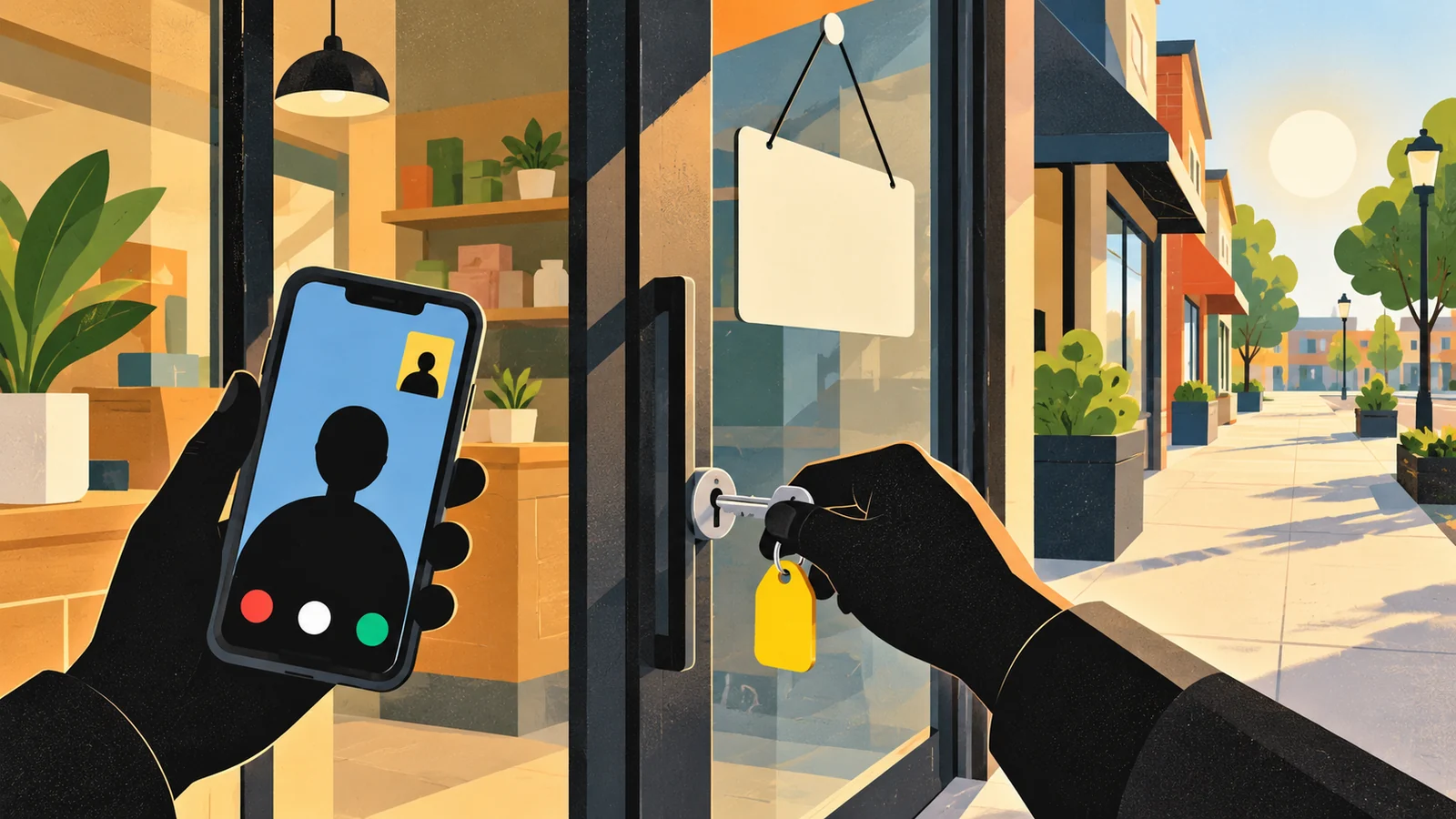
Be at the business during its listed hours, ready to show signage or a nearby street sign, your equipment or stock, and something only staff can access, such as a storeroom or the keys.
Source: Google Business Profile Help, "Verify your business on Google", read 4 October 2026.
Storefront, service-area or hybrid: pick the right type
Choose by where you serve customers: at your address, at theirs, or both. It decides whether your address shows publicly, and tradespeople often get it wrong.
Storefront
Customers come to you
A shop, clinic, cafe or office with permanent signage and staff during the hours you list. Show your full address.
Service-area
You go to customers
Plumbers, cleaners, mobile mechanics. If customers don't come to your address, remove it and set service areas. One profile covers your whole area.
Hybrid
Both
A bakery that also delivers, or a workshop that offers call-outs. Show the address, the hours staff are there, and a service area.
Service-area rules from Google's help page
- Up to 20 service areas, set by suburb, city, postcode or similar area.
- No radius around your base. Old radius settings can't be edited and must be replaced with named areas.
- The whole area should be within about two hours' drive of where you're based.
- Approved changes can take up to 48 hours to appear.
So a Frankston electrician working across the Mornington Peninsula lists the suburbs and postcodes they really cover, not all of Victoria. Without permanent signage at your address, Google says you aren't eligible as a storefront, and a rented mailbox or virtual office isn't eligible at all.
Sources: Google Business Profile Help, "Manage your service areas for service-area & hybrid businesses" and "Guidelines for representing your business on Google", read 4 October 2026.
Fill in every field, inside Google's rules
Google's ranking tips say businesses with complete and accurate information are more likely to show for local searches. Its guidelines set the limits.
Business name
Use the name on your signage, website and stationery.
No added taglines, suburbs or keywords. Google says extra information in the name can get the profile suspended.
Categories
As few as possible, as specific as possible, chosen from Google's list.
Don't add categories just as keywords, or for related businesses next door.
Address
A precise, real-world location, with suite or floor if needed.
No PO boxes, no virtual offices, no keywords or URLs in address lines.
Hours
Regular hours plus special hours for public holidays and closures.
Don't leave Christmas and Easter to chance; wrong hours cost trust fast.
Attributes and services
Parking, accessibility, payment options and the services you offer.
Only what's true; a customer who finds otherwise will say so in a review.
Photos and videos
Your real premises, team at work and finished jobs.
Skip stock images; they tell a customer nothing about you.
Sources: Google Business Profile Help, "Tips to improve your local ranking on Google" and "Guidelines for representing your business on Google", read 4 October 2026.

How Google ranks Business Profiles
Google keeps the details confidential, but it names the factors and you can influence two of them.
Relevance
How well your profile matches the search, through complete, detailed information: the right category, services and description.
You can influenceDistance
How far your business is from the person searching. If they don't share their location, Google uses what it knows about where they are.
FixedPopularity, explained as prominence
How well-known you are: links to your business, review count and ratings. It grows with reputation, offline and online.
You can influence, slowlyWhitespark's 2026 Local Search Ranking Factors survey (published 6 November 2025) weighted the local pack like this. It's expert opinion, not Google data, but it matches Google's emphasis on the profile and reviews.
Your website still counts. The survey's on-page group is your own site: a clear page for each service and location, with the same name, address and phone as the profile. Our guide to what local SEO is covers the website side, and the local citations guide covers consistent listings elsewhere.
Sources: Google Business Profile Help, "Tips to improve your local ranking on Google", read 4 October 2026; Whitespark, 2026 Local Search Ranking Factors (published 6 November 2025).
Getting reviews without breaking the rules
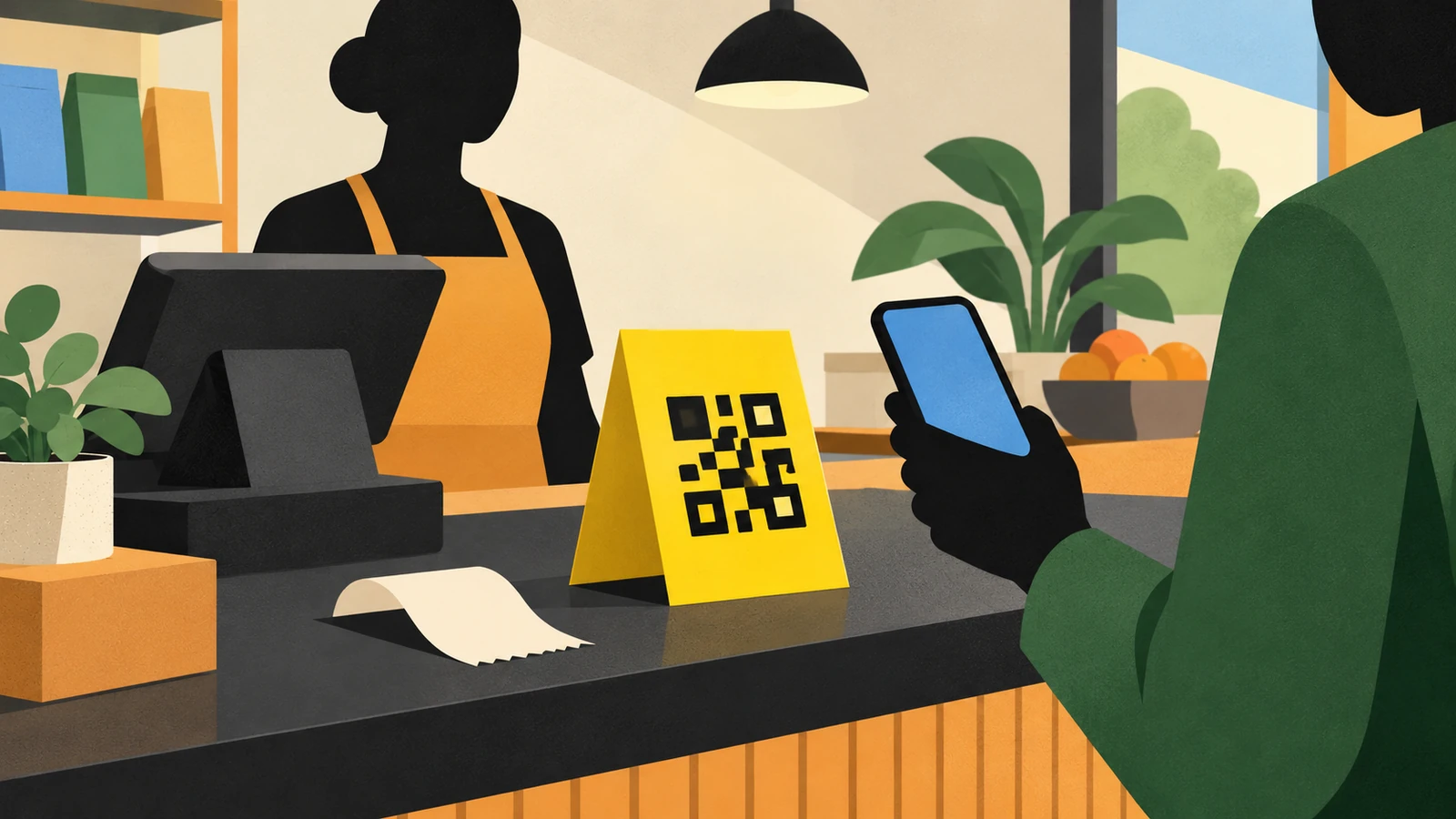
Google suggests the simple route: give customers your review link or a QR code from the profile, and ask everyone, not only the people you expect to be happy. Break its contributions policy and Google can remove fake reviews, block new ones for a period, or warn viewers that fake reviews were removed.
Not allowed
- Offering discounts, freebies or payment for a review, or for changing or removing one
- Asking only happy customers, or discouraging negative reviews
- Setting staff a quota of reviews to collect
- Asking customers to mention a staff member or include set wording
- Pressuring customers to review while they're still on the premises
Allowed and sensible
- Asking every customer for an honest review, with no incentive
- Sharing your review link by text or email after the job
- Printing the QR code on an invoice or receipt
- Replying to reviews, good and bad, in your own words
- Reporting a review that breaks Google's policies
Future customers read your replies. Google's tips warn against sending everyone the same "thank you", and customers notice: in BrightLocal's 2026 Local Consumer Review Survey, templated replies put off 50% of consumers, and 74% said they only care about reviews from the last three months. Our review management guide goes deeper.
Sources: Google Business Profile Help, "Tips to get more reviews" and "Business Profile restrictions for policy violations"; Maps user-generated content policy, "Prohibited & restricted content", all read 4 October 2026; BrightLocal, Local Consumer Review Survey 2026.
Posts, updates and a monthly routine
Posts share news, offers and events on Search and Maps. Google offers updates (with an optional button to your site), offers (title and dates required) and events (title, dates and times). Posts older than six months are archived unless they have a date range. Leave phone numbers out of the text, because Google may reject posts with numbers it can't link to the business.
Monthly profile checkAbout half an hour
- Reply to every new review, in your own words.
- Add a few new photos of recent work or the premises.
- Post one update, offer or event that a customer would care about.
- Set special hours for any public holiday coming up.
- Check that services, categories and contact details are still right.
- Look at the Performance view for calls, website clicks and direction requests.
The half-hour figure is our rough estimate for a single-location business. Multi-location businesses need a system; our multi-location SEO page covers that, and our Google Business Profile service can take it off your hands.
Source: Google Business Profile Help, "Create & manage posts on your Business Profile", read 4 October 2026.
When verification stalls, the profile is suspended, or your business appears twice on the map
Follow the steps in Google's own help pages for each problem, in the order we'd take them below.
Case 1 · Verification
Our verification video keeps getting rejected
For a service-area business, Google says a recorded video must prove three things in one take. Where you operate: street signs or landmarks near your business address (if you work from home, signs and landmarks in your immediate neighbourhood will do). That the business exists: tools, equipment, branded clothing or business cards. That you manage it: doing the work, opening up a van with your branding on it, or showing a permit, invoice or utility bill in the business name.
Plan the clip before recording. Review can take up to five working days. If it fails, tap Review issues on the profile to see what was missing, then record a new video that keeps everything from the first and adds the missing parts.
Case 2 · Suspension
The profile was suspended and we don't know why
Find the likely trigger first: a suburb or service added to the name, a virtual office or PO box as the address, a second profile for the same business, or big edits to name, address and category at once. Fix it before appealing, as Google asks.
The appeals tool shows the reason and the policy involved. Gather evidence before opening the form, because Google gives you 60 minutes to submit it: business registration, a licence, tax certificates or utility bills, with the name and address matching the profile. Don't create a new profile while the appeal is under review. If it's denied, you can request another review with new evidence.
Case 3 · Duplicates
There are two listings for our business on Maps
Google allows one profile per business, and a profile it treats as a duplicate won't show on Search or Maps. The fix depends on how the copy got there. If someone else owns a verified copy, such as a former owner or an old agency, request ownership: they have three days to respond, and if they don't, you may be offered the option to claim it.
If you made the extra one, remove it from your Google Account, checking which is which first, since removal deletes its content and managers. Two copies sitting on Maps can be merged through a suggested edit; reviews combine, but replies may be lost. Moved premises? Edit the address on the existing profile. Several services? List them on one profile.
Sources: Google Business Profile Help, "Verify your business with a video recording", "Fix suspended or disabled profiles" and "Resolve duplicate profiles and ownership issues", all read 5 October 2026.
Google Business Profile, answered
How do I set up a Google Business Profile?
Sign in with a Google Account you control, search for your business, then add it or claim the existing listing. Enter your real name, category, address or service area, phone and website, and complete the verification Google offers you.
How do I verify my Google Business Profile without video?
You can only use the methods Google shows for your profile; it chooses them based on business type, region and other details. Depending on your business those may include phone or text, email or a postcard. If none work, Google's help page suggests contacting support.
How does a Google Business Profile service area work?
If you travel to customers, list up to 20 suburbs, cities or postcodes you serve, within about two hours' drive of your base. If you don't serve customers at your address, remove the address so it isn't shown publicly.
What are the Google Business Profile name guidelines?
Your profile name must match your real-world business name as used on signage, your website and stationery. Adding taglines, locations or keywords isn't permitted and can lead to suspension.
Why was my Google Business Profile suspended?
Common causes are a name stuffed with keywords, an address that isn't a real staffed location, more than one profile for the same place, or fake or incentivised reviews. Fix the issue, then appeal with evidence that the business is genuine, as in the suspension case above.
How do I rank my Google Business Profile higher?
Make it complete and accurate, choose the most specific category, earn genuine reviews steadily and reply to them, add real photos, and back it with a website page for each service. Google says you can't pay for a better local ranking.
Do Google Business Profile posts help?
Posts give customers current information, which helps them decide to contact you. Google doesn't call posts a ranking factor, so post when you have news, not to a schedule.
Questions one to six reflect Google's autocomplete suggestions for "google business profile", "how to verify google business profile", "google business profile service area", "google business profile guide", "google business profile suspended" and "how to rank google business profile", checked 4 October 2026.
Want your profile checked against Google's rules?
The free audit reviews your Business Profile, categories, reviews and the website pages behind them.