eCommerce SEO for Sydney online stores
An online store wins organic sales in three places: the category pages people land on, the product data Google reads, and the free product listings that appear across Google. Boltly works on all three for Sydney stores, with reporting tied to revenue and no lock-in contract.
Updated
Route of an organic orderNo cost per click
- StartsSearch, Shopping tab, Images or LensA shopper in NSW looks for the product.
- LandsYour category pageBroad searches arrive here, so it needs real copy, not just thumbnails.
- ReadsProduct data Google can trustName, image, price in AUD and stock, the same on page and in the feed.
- BuysCheckout on your storeNo click fee, and no marketplace commission.
- CountsOrganic revenue in your reportOrders, not only rankings, every month.
An illustration of the path an organic sale takes, not a real order.
New South Wales spends nearly a third of every online dollar
Australia Post's eCommerce Report 2026 puts national online spending at $82.6 billion in 2025, up 14 per cent. New South Wales was the biggest state at $26.4 billion, up 13 per cent and close to a third of the total. The same report ranks postcode 2000, central Sydney, first in Australia for online shopping volume per head, with Alexandria (2015) third.
A market that size draws national retailers, marketplaces and every local store selling the same products. Paid search is an auction, so more bidders push click prices up. In organic results a well-built Sydney store competes on the quality of its pages instead of its budget.
Online spend by state, 2025
Sources: Australia Post, eCommerce Report 2026 (state spend map, top postcodes, household and retail share figures); ABS Regional Population, released 31 March 2026 (Greater Sydney 5,638,830). Rest of Australia and the NSW share are derived by us. Checked 4 October 2026.

Category pages are your aisles. Product pages are the shelves.
Plenty of shopping searches start broad: someone wants queen linen sheets, men's running shoes or a dog collar. Those searches tend to land on category pages, and a bare grid of thumbnails gives Google very little to rank.
Top category
Wins the broad searches. Needs a short, useful intro, clear filters and links to its subcategories.
bedding
Subcategory
Matches the more specific searches that convert well. Each one deserves its own indexable page.
linen sheets queen
Product page
Wins exact product and brand searches. Needs unique copy, real photos, price, stock and reviews.
stonewashed linen sheet set queen
Product data
The structured details Google reads for merchant listings: name, image, price and currency at a minimum.
price 189.00 AUD
Example searches are illustrations. Required product properties from Google Search Central, merchant listing structured data. Checked 4 October 2026.
Blog posts nobody reads, links you can't see and pages that compete
In a market as crowded as Sydney's, store owners often pay for more content and more links when the real problem is elsewhere. All three of these come up in Shopify forums and owner Q&A threads again and again.
Four blog posts a month, and almost no visits
Content packages often fill a store blog with general articles, many of them machine-written, on topics that bigger publishers answered years ago. Google's spam policies name generating many pages with AI tools "without adding value for users" as scaled content abuse, and even when posts aren't spam, a generic guide rarely beats a specialist site.
Write fewer pieces that only you can write: a sizing guide built from your returns data, a care guide for the fabrics you stock, a comparison of the two models customers ask about most. Link each one to the category it supports.
Check: in Search Console, filter pages to /blogs/ or /blog/ and sort by clicks. Posts with none after six months are candidates to merge or prune.
The report says "links built" but never lists them
Cheap link packages and private blog networks still get sold to stores. Google's spam policies count buying links for ranking purposes as link spam, and for shops they spell out a trap: sending someone a product in exchange for a post that includes a link is on the list too.
Gifted products to reviewers are fine when the link is marked sponsored or nofollow. Ask any provider for every link as a URL you can open, and look in Search Console's Manual actions report if rankings fell suddenly.
Check: every link in a report should open to a real page on a site with its own readers.
A category, a blog post and a product all chase one search
A store selling linen often ends up with a Linen Sheets collection, a "best linen sheets" post and a product called Linen Sheet Set, all aimed at the same words. Google tends to rotate between them, and none settles high.
Pick one page per search intent. Usually the category takes the broad term, the guide takes the question ("how to wash linen"), and the product takes its exact name. Merge or redirect the leftovers and point internal links at the winner.
Check: Search Console's Performance report, filtered by the query, should show one page earning the clicks instead of three.
Source: Google Search Central, "Spam policies for Google web search" (last updated 28 August 2026), sections on scaled content abuse and link spam. Read 5 October 2026.
Three filters can turn one category into hundreds of URLs
Colour, size and price filters help shoppers, but every combination can create a new web address. Google then spends its time crawling near-identical pages, and the ones you want ranked get crawled less often.
Google's guidance on faceted navigation, updated in December 2025, gives stores two routes: keep filtered pages out of search if they are not needed there, or make the useful ones clean and consistent. We decide which filter pages deserve to rank, usually the ones that match real searches, and close off the rest.
- Not needed in search? Block the filtered URLs in robots.txt or use URL fragments, as Google suggests.
- Worth ranking? Use one consistent filter order and a standard separator in the address.
- Empty results? Return a proper 404 for filter combinations with no products.
- Near duplicates? Point them to the main version with a canonical tag.
Source: Google Search Central, managing crawling of faceted navigation URLs (last updated 18 December 2025). Example category is an illustration. Checked 4 October 2026.
Your products can appear across Google without paying per click
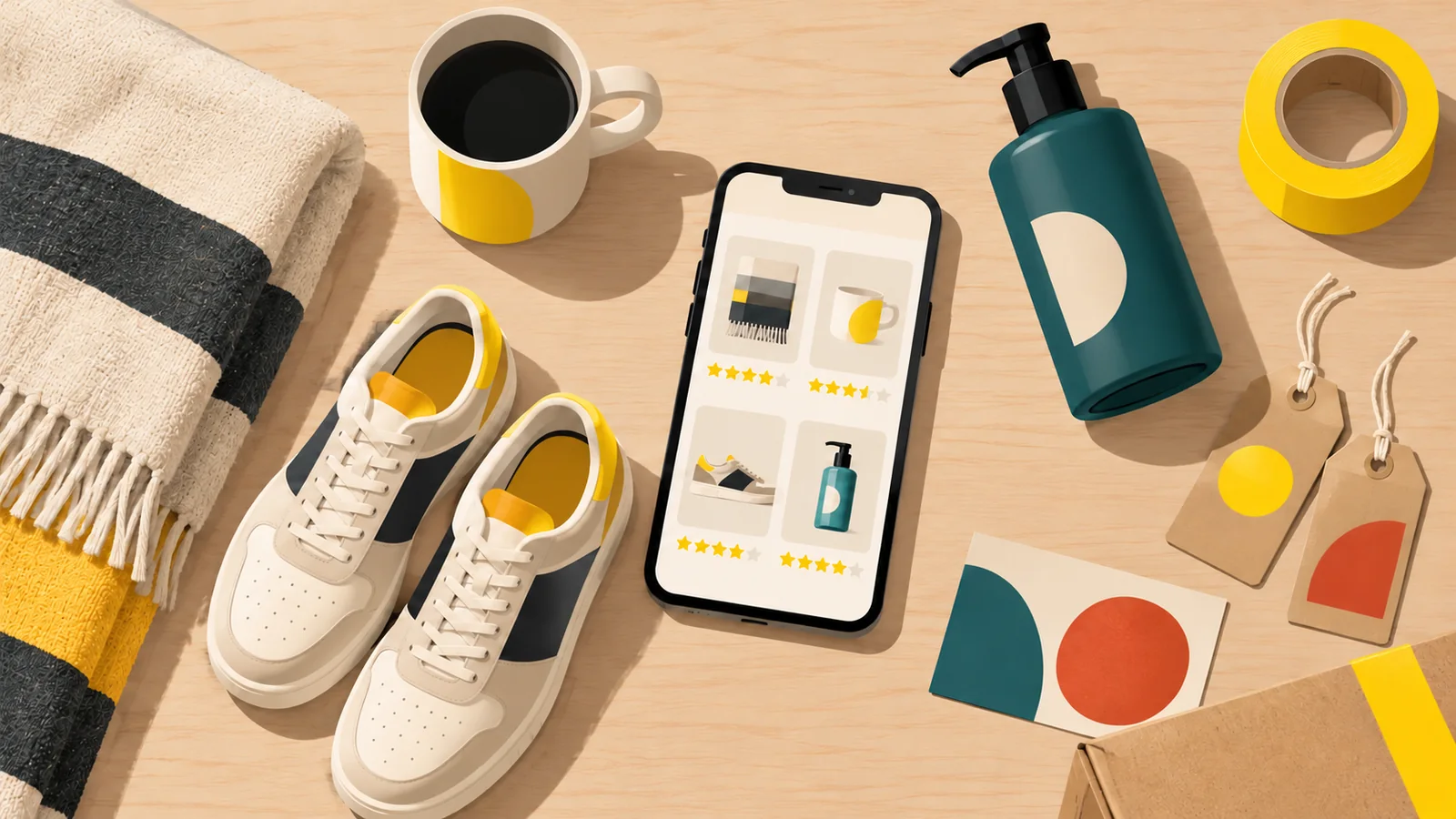
Australian stores can list products free through a Google merchant account, and Google's help pages list seven places those listings can show. Whether yours show well comes down to your product data and your pages.
Where free product listings can appear
- Google Search
- Shopping tab
- Images
- Lens
- YouTube
- Gemini
- Business Profile
Australia is one of the countries where Google requires delivery settings, so delivery costs and times have to be set up correctly first. For a Sydney store that includes the order cut-off time zone: NSW moved to daylight saving on 4 October 2026, so Brisbane and Perth customers are now one and three hours behind you.
The minimum Google asks for
{
  "@type": "Product",
  "name": "Stonewashed linen sheet set, queen",
  "image": "https://example.com.au/sheet.jpg",
  "offers": {
    "@type": "Offer",
    "price": "189.00",
    "priceCurrency": "AUD"
  }
}
Stores with sizes and colours can go further with product variant markup, which groups each version under one product so Google understands they belong together. Our guide to schema markup explains how structured data works in plain terms.
Sources: Google merchant help, free listings; Google Search Central, merchant listing and product variant structured data; NSW Government, daylight saving 2026 to 2027. Code shows a fictional product. Checked 4 October 2026.
Where Google's AI checkout stands for Australian stores
Google is building checkout into its AI shopping features through what it calls the Universal Commerce Protocol. These features start from the product data you already send Google, plus a few checkout fields. Here is where things stood on 4 October 2026.
Google's help article on this checkout applies to products eligible in the United States, Canada and Australia, and says it is available for selected merchants for now.
DOCUMENTEDGoogle said new checkout tools in its integration hub are rolling out in the U.S. first, with Australia and Canada to follow early next year.
ANNOUNCEDThe same post made AI performance insights, which compare your share of voice in AI Mode and AI Overviews, available to Australian merchants.
AVAILABLEWe have found no confirmation from Google that the checkout is open to Australian shoppers generally yet.
NOT CONFIRMEDEither way, every one of these features depends on complete, accurate product data and fast, clear product pages.
Sources: Google blog, "Boost your holiday sales with these agentic commerce updates" (16 September 2026); Google merchant help, "About the Universal Commerce Protocol (UCP) and UCP-powered checkout feature on Google". Checked 4 October 2026.
Every platform has its own SEO habits
Each platform creates URLs, duplicates and page templates in its own way, so the fixes differ even when the principles match.
Shopify
Fixed URL patterns, collection and product duplicates, and apps that slow pages down.
Shopify SEOWooCommerce
Full control on WordPress, which also means plugin weight and category bloat to manage.
WooCommerce SEOBigCommerce
Built-in faceted search and category settings that need careful configuration.
Covered in our eCommerce SEO serviceMagento
Large catalogues, layered navigation and heavy templates that reward technical care.
Covered in our eCommerce SEO serviceRankings are easiest to lose during a platform move. Our SEO migration service maps every old address to its new one before launch.
Six steps, from crawl to revenue report
Each step feeds the next, so a problem found in the crawl becomes a fixed template, a stronger category page and, in time, more orders you can see in the report.
Template fixes sit with our technical SEO service, and for Sydney-wide visibility beyond your store, see SEO Sydney.
Crawl
Every URL your store creates, and which ones Google can see.
Category map
Match categories and subcategories to real searches.
Product data
Titles, copy, images and structured data, template by template.
Filters
Decide what ranks, close off the rest, fix duplicates.
Content and links
Buying guides and mentions that lift whole categories.
Revenue report
Organic orders and revenue, not only rankings.
What eCommerce SEO costs for a Sydney store
The plan follows the catalogue. A store with thousands of products, deep filters and crowded categories needs the work in the Performance plan; a store with a tight range can start on Growth, and Starter suits a single shopfront more than an online store.
Full details are on the pricing page, and the free quote tells you which plan fits your catalogue.
Boltly SEO
Filters, ad spend and reporting on revenue
How much does eCommerce SEO cost in Sydney?
Boltly's Performance plan, from $1,500 a month, fits a store with a large catalogue and filters, because they need more work than a single-location business. A small store with a narrow range can start on Growth from $900 a month. There is no lock-in, and the free quote looks at catalogue size and competition first.
How long until SEO lifts online sales, not just traffic?
Google's SEO starter guide says changes can show within hours or take several months. Technical fixes such as closing off duplicate filter pages usually register in crawl and indexing reports first; category pages take longer to climb for competitive searches, and sales follow the rankings. We report organic orders and revenue each month so you can see whether traffic is turning into money.
Do you work with Shopify, WooCommerce, BigCommerce and Magento?
Yes. We have dedicated Shopify SEO and WooCommerce SEO services, and BigCommerce and Magento stores are covered through our eCommerce SEO work.
Our filters create thousands of URLs. Will that hurt our rankings?
It can. When every colour, size and price combination has its own address, Google may crawl thousands of near-identical pages and miss the ones that matter. Its faceted navigation guidance suggests blocking filtered URLs you don't need in search and keeping the useful ones consistent.
Should we improve product pages, category pages, or both?
Both, but categories usually come first. Broad searches, such as someone shopping for queen linen sheets, land on category pages, so a better category page lifts every product in it. Product pages win exact product and brand searches and need unique copy, real photos and complete product data. We prioritise whichever pages sit closest to your best-selling lines.
Can SEO and free Google listings cut our ad spend?
They can reduce how much you rely on it. Free listings can appear on Search, the Shopping tab, Images and Lens without a cost per click, and organic category rankings keep working when a campaign is paused. A sensible pattern is to keep paid search for launches and sales and trim it where organic revenue covers the term.
Will our products show in Google's AI shopping features?
Google's help documents checkout through its Universal Commerce Protocol for products eligible in Australia, for selected merchants, and in September 2026 it said new checkout tools will reach Australia early next year. As of October 2026 we have not seen it open to Australian shoppers generally. These features start from the same product data as free listings, so accurate prices, stock, shipping details and clear product pages are the best preparation.
Should we pay for a monthly blog content package?
Only if each post answers something your buyers ask and links to a category that sells. General articles written to fill a quota rarely rank, and Google's spam policies treat mass-produced pages without added value as scaled content abuse. A few guides built from your own product knowledge usually do more.
How do you report results: revenue or just rankings?
Revenue first. Each month you see organic sessions, orders and revenue from your analytics, then the rankings and category visibility that explain them. If a category climbs but sales do not follow, the report says so, and the next month's work changes to fix it.
Questions taken from Google search suggestions and from the questions answered by pages ranking for eCommerce SEO in Sydney, checked 14 September and 4 October 2026.
Ready to sell more from search?
Free quote · No setup fee · Month to month